

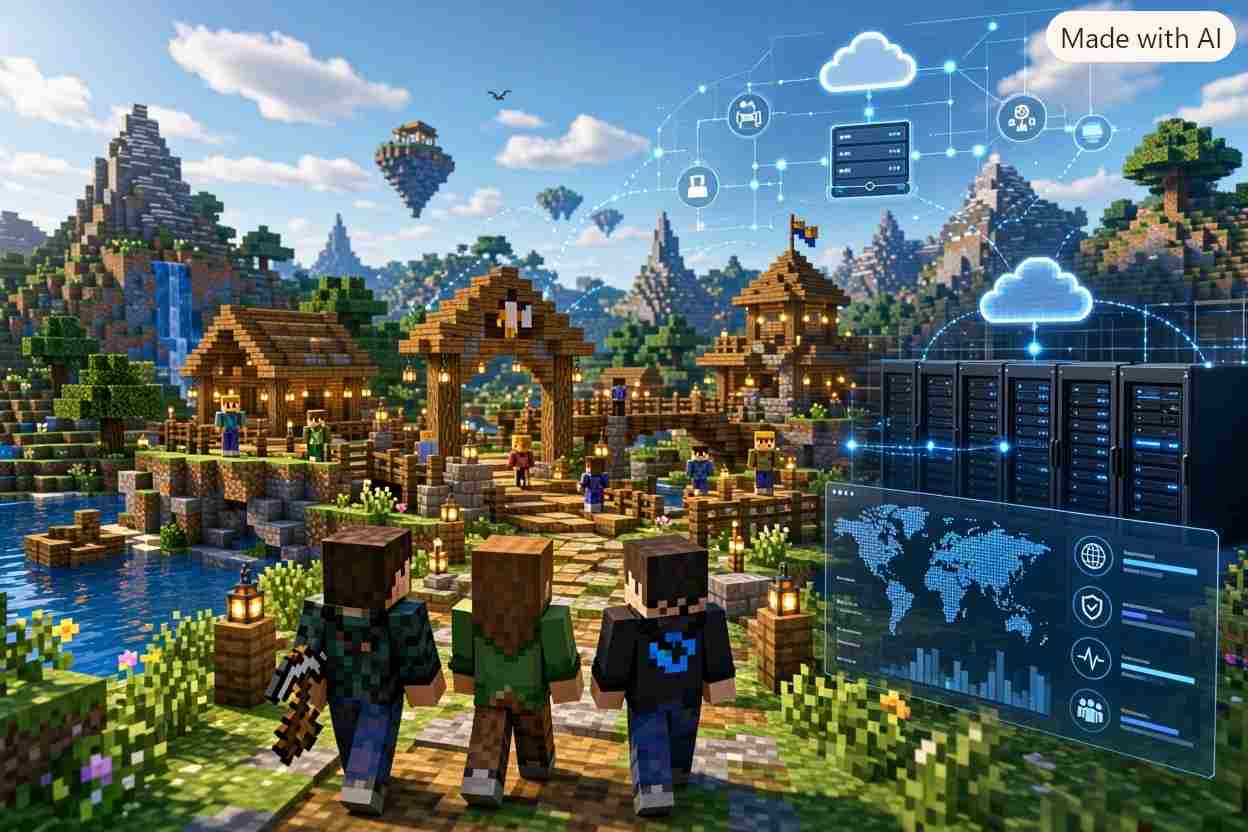
 Minecraft has become one of the most popular sandbox games because it allows players to build, explore, and create their own adventures. While single-player mode offers plenty of entertainment, multiplayer servers introduce a different experience. Players can interact with others, join communities, and explore worlds that offer unique activities. Behind these experiences is internet software that makes online connections, server management, and multiplayer gameplay possible.
Minecraft Java servers rely on various software technologies to connect players across different locations. These technologies help maintain stable connections, manage server performance, and support custom features. Understanding how internet software works with Minecraft Java servers can help players choose better communities and enjoy smoother gameplay.
Whether someone wants to explore survival worlds, participate in competitive challenges, or build alongside friends, knowing the basics of server technology can make multiplayer gaming more enjoyable.
Understanding Internet Software and Minecraft Java Servers
Internet software refers to applications and systems that allow devices to communicate and exchange information over a network. It includes web browsers, communication platforms, networking tools, and server management applications. These technologies support many online activities, including multiplayer gaming.
In Minecraft Java Edition, multiplayer servers allow several players to enter the same virtual world. Instead of storing all gameplay information on one player’s computer, a dedicated server manages the environment and shares updates with connected players.
When someone joins a Minecraft server, their game connects to the server through the internet. The server processes actions such as movement, block placement, crafting, and interactions with other players. It then sends updated information to connected devices.
This process happens continuously during gameplay. A reliable internet connection and properly configured server software help keep everything running smoothly.
Minecraft Java servers also offer more flexibility than basic multiplayer sessions. Server administrators can install compatible plugins, adjust gameplay rules, and create custom environments. These features allow communities to offer experiences beyond standard Minecraft gameplay.
For example, a survival server may introduce an economy where players trade resources and purchase items. Another server may focus on creative building competitions or player-versus-player battles. Some communities combine several activities into one connected network.
Players interested in exploring these experiences can browse Minecraft Java servers through online server directories. These platforms help users discover communities based on gameplay preferences and supported features.
Server directories are particularly useful for beginners because they provide information about different multiplayer environments. Players can compare server descriptions, review community rules, and find connection details before joining.
The relationship between internet software and Minecraft servers also extends to communication. Many communities use websites, forums, and messaging platforms to share announcements, publish updates, and organize events.
These additional tools make it easier for players to stay connected even when they are not actively playing Minecraft.
How Internet Software Improves Minecraft Multiplayer Experiences
The quality of a Minecraft multiplayer experience depends on more than the game itself. Several internet technologies work together to support performance, accessibility, and community interaction.
One important component is server hosting software. Hosting providers supply the computing resources needed to run Minecraft worlds. These resources include processing power, memory, storage, and network connectivity.
A well-configured server can handle player activity more effectively. This becomes especially important when many players explore the same world or participate in large events.
Server administrators often use monitoring tools to track performance. These tools help identify problems such as high memory usage, excessive processing demands, and connection delays.
Another important technology involves Minecraft server software such as Paper and other compatible server platforms. These systems provide administrators with options for improving performance and managing gameplay features.
Plugins can introduce additional functionality without requiring players to install every feature on their own computers. Depending on the server setup, plugins may support player permissions, land protection, teleportation, trading systems, and community management.
For example, land protection plugins can help prevent unwanted changes to a player’s buildings. Permission management tools allow administrators to control which commands different players can access.
These features create more organized multiplayer environments.
Internet software also helps players discover servers that match their interests. Minecraft server listing websites organize communities into categories such as survival, creative, Skyblock, factions, and minigames.
Instead of manually searching for server addresses, players can explore listings and compare available options.
Many directories provide information about server versions, player activity, and supported gameplay modes. Some also display voting systems that allow community members to show support for their favorite servers.
However, rankings and votes should not be the only factors when choosing a server. Players should also consider community rules, moderation practices, connection quality, and the overall gameplay experience.
Security is another area where internet software plays an important role. Server administrators use protective tools to reduce unauthorized access, disruptive behavior, and malicious activity.
Players can also protect themselves by using official Minecraft accounts, avoiding suspicious downloads, and keeping their game software updated.
Reliable communication systems contribute to safer communities as well. Clear rules, active moderators, and accessible support channels make it easier to address problems.
Together, these technologies help create multiplayer environments where players can focus on exploring, building, and enjoying the game.
Choosing the Right Minecraft Java Server for Your Gaming Style
With many Minecraft Java servers available, finding the right one can take some research. Different communities offer different experiences, and the best choice depends on personal preferences.
Survival servers are popular among players who enjoy gathering resources, constructing shelters, and progressing through the game. Some follow traditional Minecraft mechanics, while others introduce custom economies, additional challenges, and community events.
Creative servers focus on building and design. Players can experiment with architecture, create large structures, and collaborate on ambitious projects without spending as much time collecting resources.
For competitive players, PvP servers provide opportunities to test combat skills against others. These environments may include organized arenas, team battles, and ranking systems.
Minigame servers offer shorter activities that players can enjoy individually or with friends. Popular formats include parkour challenges, racing games, and team-based competitions.
Skyblock servers provide another distinctive experience. Players typically begin on a small floating island with limited resources and gradually expand their environment through careful planning.
Before joining any community, players should confirm that the server supports their Minecraft Java Edition version. Some servers accept several versions, while others require a specific release.
Connection quality also matters. A server located closer to a player’s region may provide lower latency, although actual performance depends on network conditions and server infrastructure.
Community atmosphere is equally important. A welcoming server with clear rules and helpful members can make multiplayer gaming more enjoyable, especially for beginners.
Players should review server descriptions and community information before connecting. Active moderation, transparent rules, and regular maintenance are useful signs of an organized community.
Joining a server is generally straightforward. Players open Minecraft Java Edition, select Multiplayer, choose Add Server or Direct Connection, and enter the server address.
Once connected, they can explore the world, learn its rules, and interact with other members.
Internet software continues to expand what Minecraft communities can offer. Improved hosting technology, management platforms, and discovery websites make multiplayer environments easier to operate and explore.
As online gaming develops, Minecraft Java servers remain a strong example of how internet technology supports creativity and social interaction.
From small private communities to large public networks, these servers allow people to share experiences that would not be possible in a single-player world.
By understanding the software behind multiplayer connections and choosing communities carefully, players can enjoy Minecraft Java Edition in new and rewarding ways.